Getting Started with cURL
What is cURL? (Explained Simply)
Before understanding cURL, let’s understand what a server is.
What is a server and why do we talk to it?
A server is just another computer on the internet that:
stores data
runs applications
sends responses when asked
Whenever you:
open a website
log in to an app
fetch data from an API
Usually, the browser does this talking for you.
But programmers often need to talk to servers directly.
That’s where cURL comes in.
What is cURL (very simple)?
cURL is a tool that lets you send messages to a server from the terminal.
Think of cURL as:
“A browser without buttons or visuals”
Instead of clicking links, you type commands.

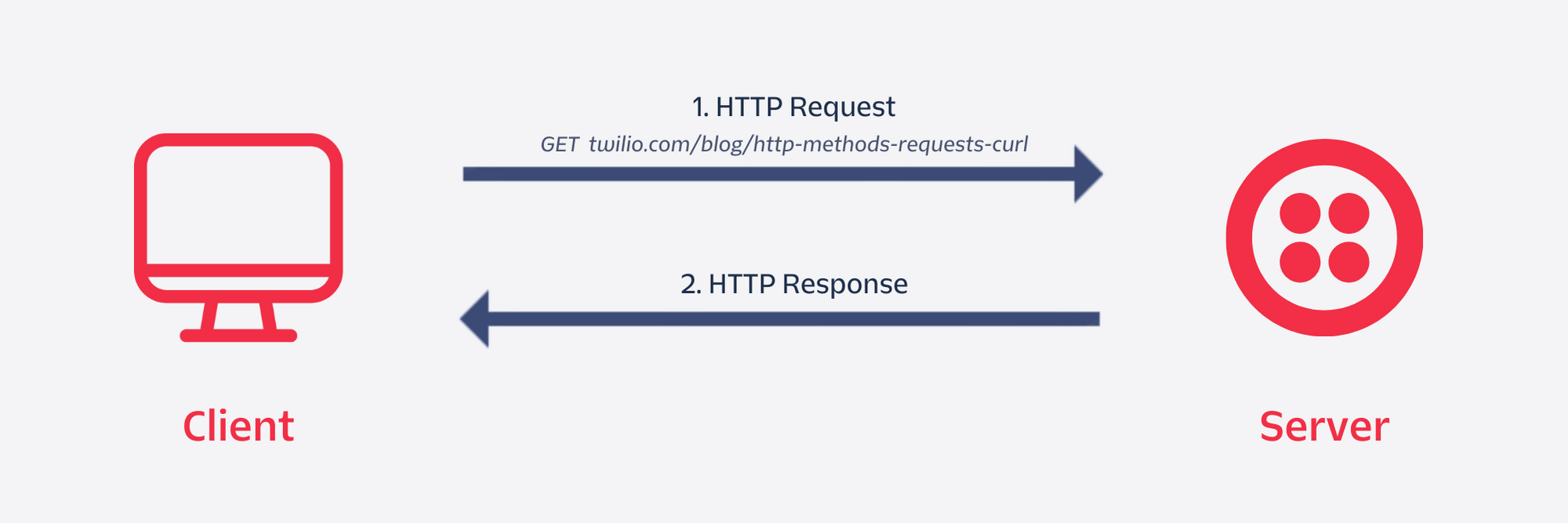
Why do programmers need cURL?
Programmers use cURL to:
Test APIs
Check if a server is working
See raw responses from servers
Debug backend issues
cURL is useful because:
It’s fast
It works everywhere
It shows exactly what the server sends back
Your first cURL command (simplest possible)
curl https://example.com
What this does:
Sends a request to the server
Fetches the webpage content
Prints the response in the terminal
This is similar to opening a website — just without the browser UI.
Understanding request and response
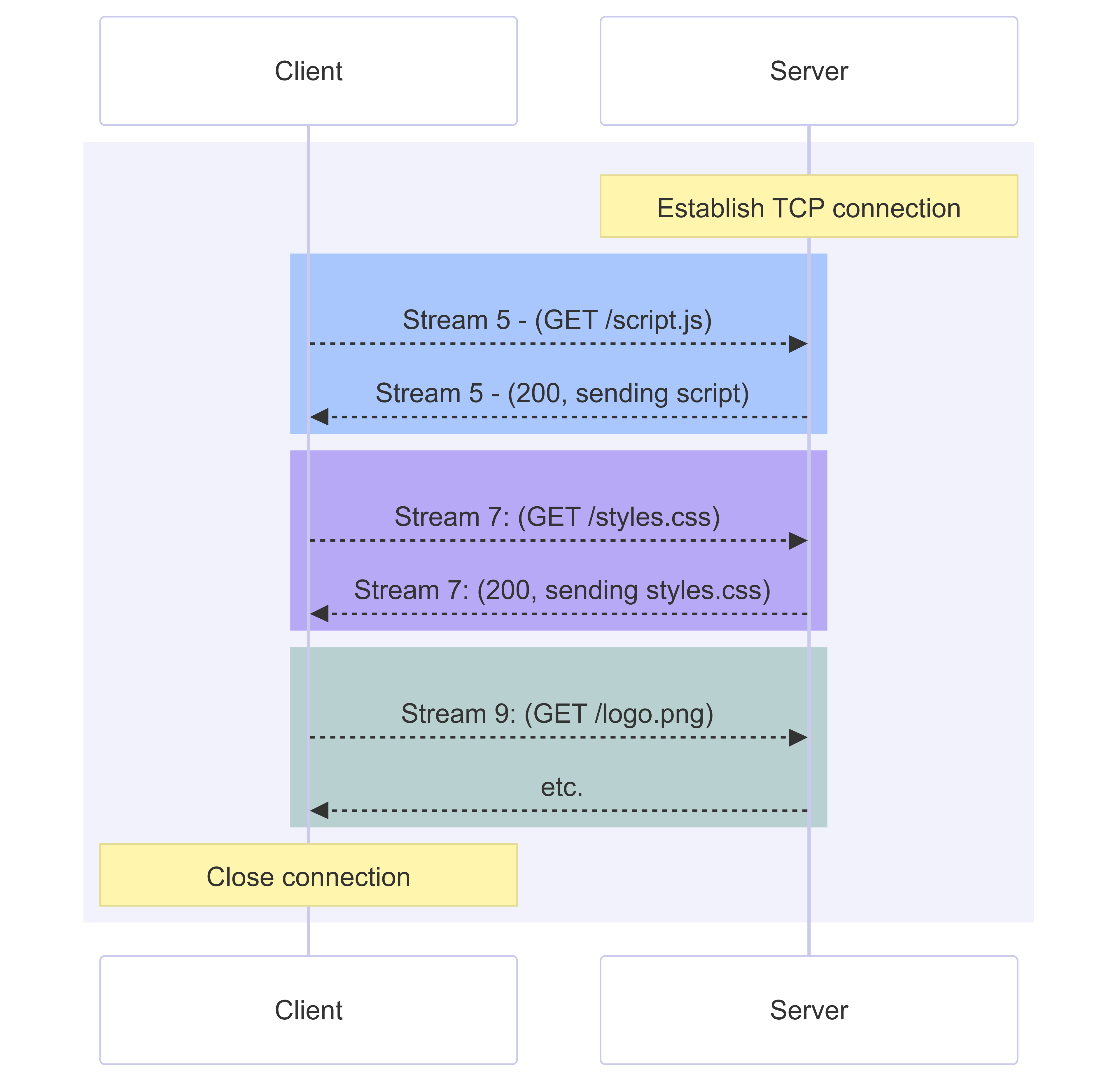
Every server communication has two parts:
Request (what you ask)
“Give me this page”
“Send me this data”
Response (what server replies)
Status (success or error)
Data (HTML, JSON, text, etc.)
GET and POST (only the basics)
GET – asking for data
Used when you want to read something.
curl https://api.example.com/users
Meaning:
“Server, give me the users”
POST – sending data
Used when you want to send something.
curl -X POST https://api.example.com/users
Meaning:
“Server, I want to send data to you”
(Details can come later — this is enough for now.)
Using cURL to talk to APIs
APIs are servers that expect requests and return data, usually in JSON.
With cURL, you can:
Call APIs
See exact responses
Test endpoints without writing code
This makes cURL a backend developer’s best friend.